
Preparing your photo…
Restoring your emoji face result on this device. Your photo never leaves your browser.
Your emoji face photo is ready
Save it, change the emoji style, or start another photo. Below you will find how to download, edit and share emoji-masked photos, plus answers to the most common questions about file format, resolution and privacy.
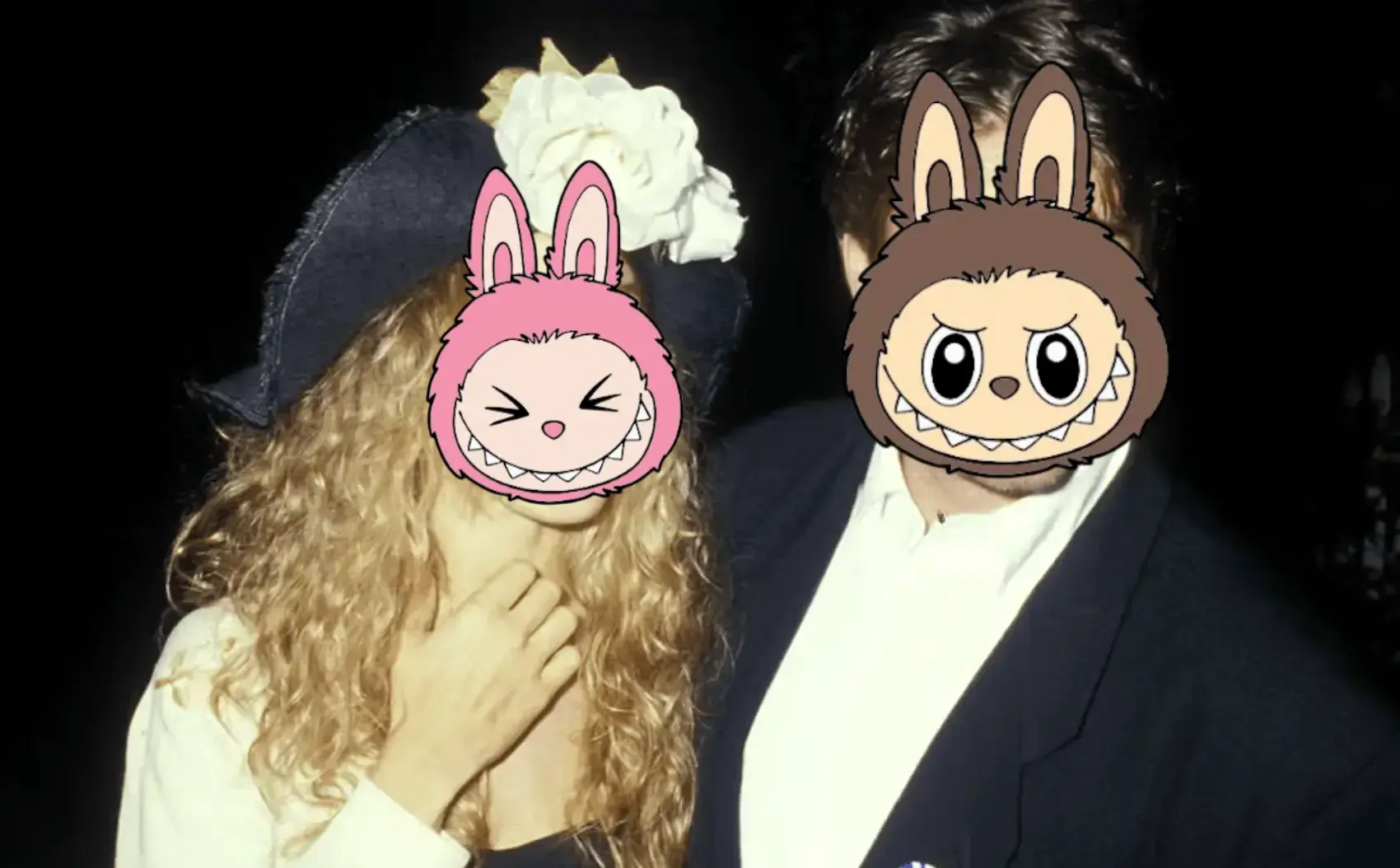
Example result. Your own photo appears here right after you apply an emoji style in the tool.
Drag an emoji to move it, use the square handles to resize, the diamond to rotate, and the ✕ to remove it. Press Delete to remove the selected emoji. Your edits are included when you download or share.
Before and after
How to save, edit and share your emoji face photo
-
Download the full-resolution PNG
Use the download button above. The export contains only your photo and the emoji overlays, with no editing handles or watermark, at exactly the same pixel dimensions as the source image.
-
Adjust the style and try again
Want a different look? Open the tool, pick Auto Labubu, Happy Emoji, Funny Emoji or Cool Emoji, and re-apply. Every pass starts from the original photo, so repeated edits never blur or degrade the picture.
-
Share the image, not a link
On supported devices the share button sends the image file directly to your apps. Your photo is never uploaded to a server and no public result URL is created, so the picture stays private to you.
Guides for hiding faces in photos
Frequently asked questions about your emoji face result
Everything about saving, editing and reusing the photo you just created.
How do I save my emoji face photo to my device?
Press Download emoji photo on this page and your browser saves a full-resolution PNG. On iPhone or iPad, Safari may open the image in a new tab first: press and hold the picture, then choose Save to Photos. The file keeps the original resolution of the photo you uploaded, so nothing is downscaled.
What file format and resolution is the downloaded image?
Results are exported as PNG at the exact pixel dimensions of your source photo. PNG is used because it preserves the crisp edges of emoji overlays without extra compression artefacts. A 1700 by 1054 pixel photo, for example, downloads at 1700 by 1054 pixels.
Is my photo uploaded to a server to create this result?
No. Face detection and emoji placement run entirely in your browser, and the finished image is handed to this page through a short-lived local browser store. Nothing is uploaded, no account is created, and the local copy expires automatically after ten minutes.
Can I change the emoji style after the result is generated?
Yes. Use Back to editor or simply open the tool again, choose a different style such as Happy Emoji, Funny Emoji or Cool Emoji, and re-apply it. Each style is drawn from the original photo, so switching styles never degrades the image.
Why were some faces in my group photo not covered?
The detector works best with clear, front-facing, well-lit faces. Very small, heavily occluded or strongly side-on faces can be missed. Try a higher-resolution photo, or crop closer to the people you want to hide, then run it again.
Can I use the downloaded photo on social media or in a brand project?
Yes. You can use the result for profile pictures, posts, memes, presentations or brand content. EmojiFace does not add a watermark and does not claim rights over your photo. You are still responsible for having permission to publish any people pictured.
What happens if I close this page before downloading?
The local copy of your result expires ten minutes after it is created and is never sent anywhere. If it has expired, this page shows an example result instead: just run the tool again with your photo to regenerate it.
Still curious? Read the full EmojiFace FAQ or browse the blog.